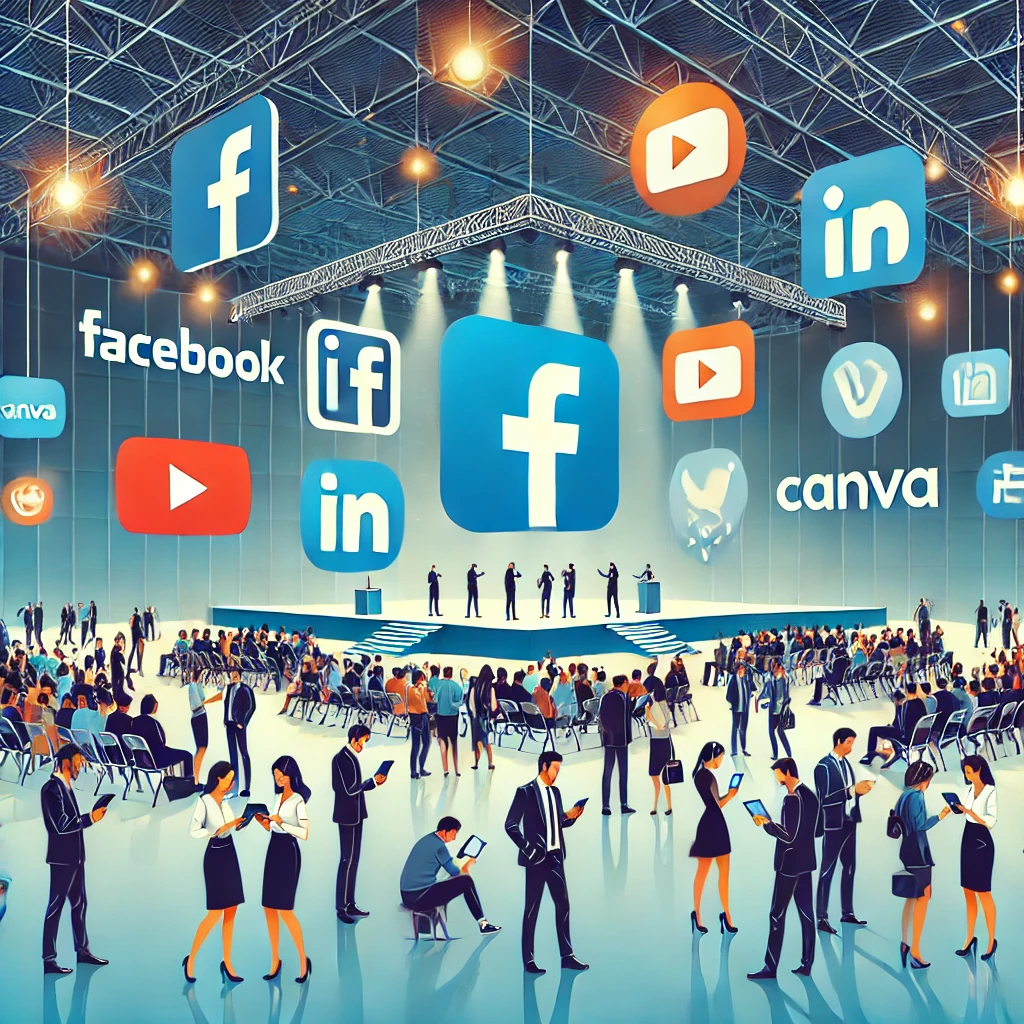
Here is the set of tools an effective event communication strategy needs. From digital platforms to printed materials, by way of influencer marketing, this article covers what you need to make your event work. Each section describes the tools available, with a non-exhaustive list to help you choose the ones that fit your needs.
1. Event management platforms: your command centre
These platforms centralise all the information about your event, from attendee registration to badge production. They save considerable time and keep the organisation running smoothly.
Tools:
- WeChain: a complete event platform with a wide range of features for every kind of event.
- Weezevent: well suited to ticketing.
- Eventbrite: built for public events, it simplifies ticketing and promotion.
- Cvent: a powerful tool for corporate events, with advanced management and analysis features.
2. Social networks: your shop window
Social networks are powerful communication channels for reaching a wide audience and building engagement around your event. With the right approach, you can generate interest and encourage people to register.
Tools:
- Facebook Events: to create events and invite your community.
- Instagram: to share attractive visuals and build engaging stories.
- LinkedIn: to reach a professional audience and promote B2B events.
- X: to publish information in real time and interact with your community.
3. Email marketing: for personalised communication
Email marketing keeps you in contact with attendees before, during and after the event. Personalising your messages raises your open rate and strengthens the link with your audience.
Tools:
- Mailchimp: an intuitive tool for building personalised email campaigns.
- Brevo: an all-in-one solution for email, SMS marketing and chatbots.
- ActiveCampaign: a powerful tool for marketing automation and contact segmentation.
4. Design tools: for visuals that land
Visuals play a key role in event communication. They build a strong visual identity and capture your audience’s attention.
Tools:
- Canva: a simple online tool for creating a range of designs, from posters to invitations.
- Adobe Creative Cloud: a professional suite for designers (Photoshop, Illustrator, InDesign).
- Figma: a collaborative platform for mockups and user interfaces.
5. Website builders: for a well-organised online presence
A website dedicated to your event is essential for centralising practical information and reaching a wider audience.
Tools:
- MonSiteTranquille: an agency for all your event websites.
- WordPress: the most widely used website platform, highly flexible thanks to its themes and plugins.
- Wix: an intuitive way to build a website with no technical knowledge, well suited to beginners.
- Squarespace: known for elegant, modern templates, and a good fit for events with a considered aesthetic.
6. Survey and feedback tools: to measure your event’s impact
Surveys let you gather attendees’ views and assess how well your event worked. That information helps you improve future editions.
Tools:
- Google Forms: a simple, free way to build custom surveys.
- SurveyMonkey: a complete tool with a wide variety of question types and customisation options.
- Typeform: known for interactive, visually attractive surveys.
7. Live streaming tools: to reach a wider audience
Live streaming is an effective way to reach a wider audience, including people who cannot attend in person.
Tools:
- YouTube Live: a popular platform for broadcasting live events and interacting with your audience in real time.
- Facebook Live: built into Facebook, it reaches your community directly.
- Twitch: particularly suited to gaming events and creative content.
8. Community management tools: to build connection
Community management tools bring your audience together around your event and create a sense of belonging.
Tools:
- Online forums: platforms such as phpBB or Discourse let you create themed discussion spaces.
- Facebook groups: a simple, effective way to build a community around your event.
- Discord: well suited to gaming-focused events and online communities.
9. Printed materials: for lasting impact
Printed materials remain an effective way to communicate and to leave something tangible behind.
Tools:
- Layout software: Adobe InDesign, QuarkXPress for professional printed materials.
- Online printers: Vistaprint, Printful to order printed materials in a few clicks.
10. Mobile applications: for a personalised user experience
Mobile applications offer a richer, more personalised user experience.
Tools:
- WeChain: the French startup’s event platform is available on every app store, white-labelled or not. Use push notifications and an event application in your own image, for your company’s events or your clients’.
- App development platforms: AppGyver, Flutter to build mobile applications with little or no code.
- Push notification services: OneSignal, Firebase Cloud Messaging to send personalised notifications to your users.
In summary, the tools you choose will depend on your objectives, your budget and your technical skills. Start by listing your needs, then compare the solutions available.